A Messy Home Lab for People Who Aren't Home Lab People
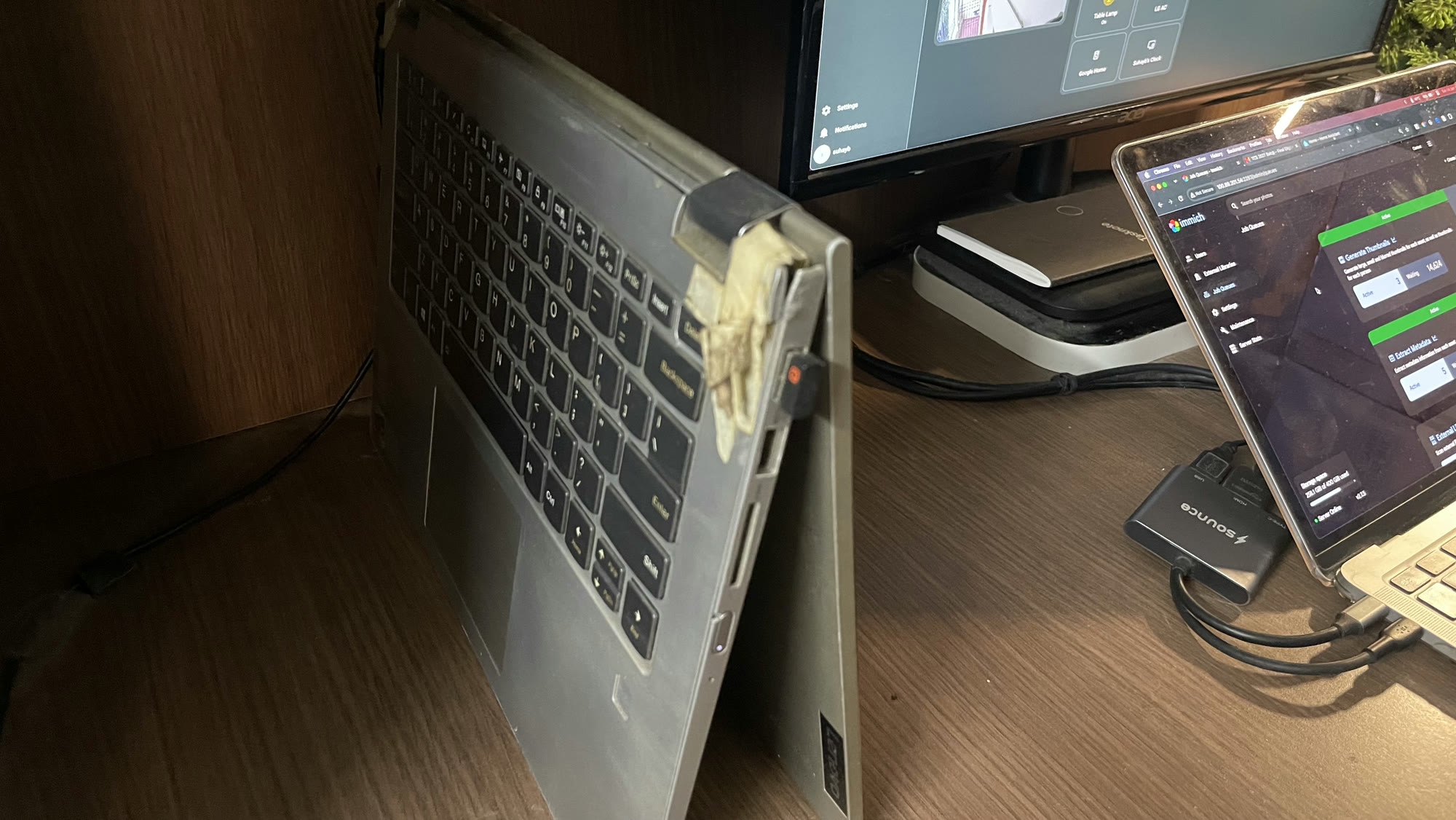
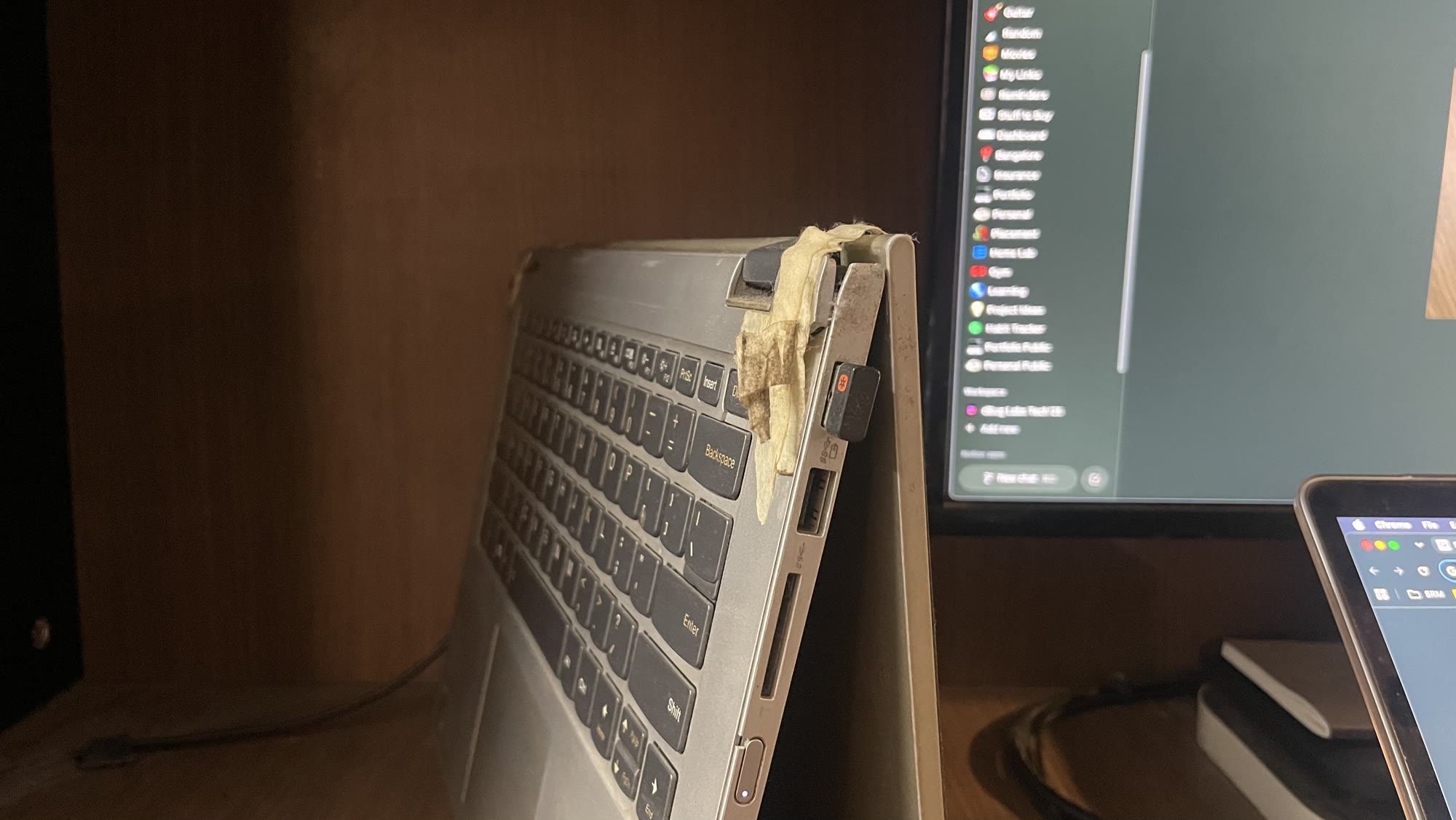
This chassis is held together with a piece of tape on the hinge. It's not pretty, but it works, and at this point I've stopped questioning it. The laptop has been through a lot already.
This is a Lenovo C340 Yoga. Touchscreen, convertible, and currently running 24/7 as my personal home server. It has broken hinges, a repaired chassis, and a fair amount of visible wear. It also runs Home Assistant, Immich, a personal project I was paying AWS for, and a few other things I'll get to. All from my desk.
This is not a guide for serious home lab people. If you're here for Proxmox configs and ZFS arrays, wrong blog. This is the story of how I went slightly too deep into a rabbit hole on a weekend and accidentally ended up with a home server I actually use every day.
Meet the Patient
The C340 was my daily driver for a while. Then it wasn't. Then it just sat around doing nothing, which as it turns out is the perfect qualification for becoming a server.
The hinges gave out first. I patched them up with what I had lying around, and it's held up reasonably well since. Then Windows 11 started doing what Windows 11 does: bloat, background updates, random thermal throttling that turned the fan into a small aircraft engine. The laptop was running hot constantly, and Windows wasn't making it easy.
But the overheating was just the final push. Honestly, I'd been tired of Windows for a while. I live in a Mac ecosystem. M1 MacBook Air is my main machine, and the older I get, the more Windows just feels like friction. Ubuntu was the obvious call. Clean, lightweight, plays nicely with everything else I'm running. No bloat. No drama. The performance issues sorted itself out almost immediately after the switch.
At this point, the plan was simple: stick Ubuntu on it, leave it plugged in, maybe use it for the occasional task. That was the plan.
The Rabbit Hole
This is where I should warn you. Once you have a machine running 24/7 on Linux, the ideas don't stop coming. You start with one thing you actually need, and before long you're three hours deep into r/homelab at 1am, reading about Proxmox, and questioning your life choices. We'll get there.
Home Assistant
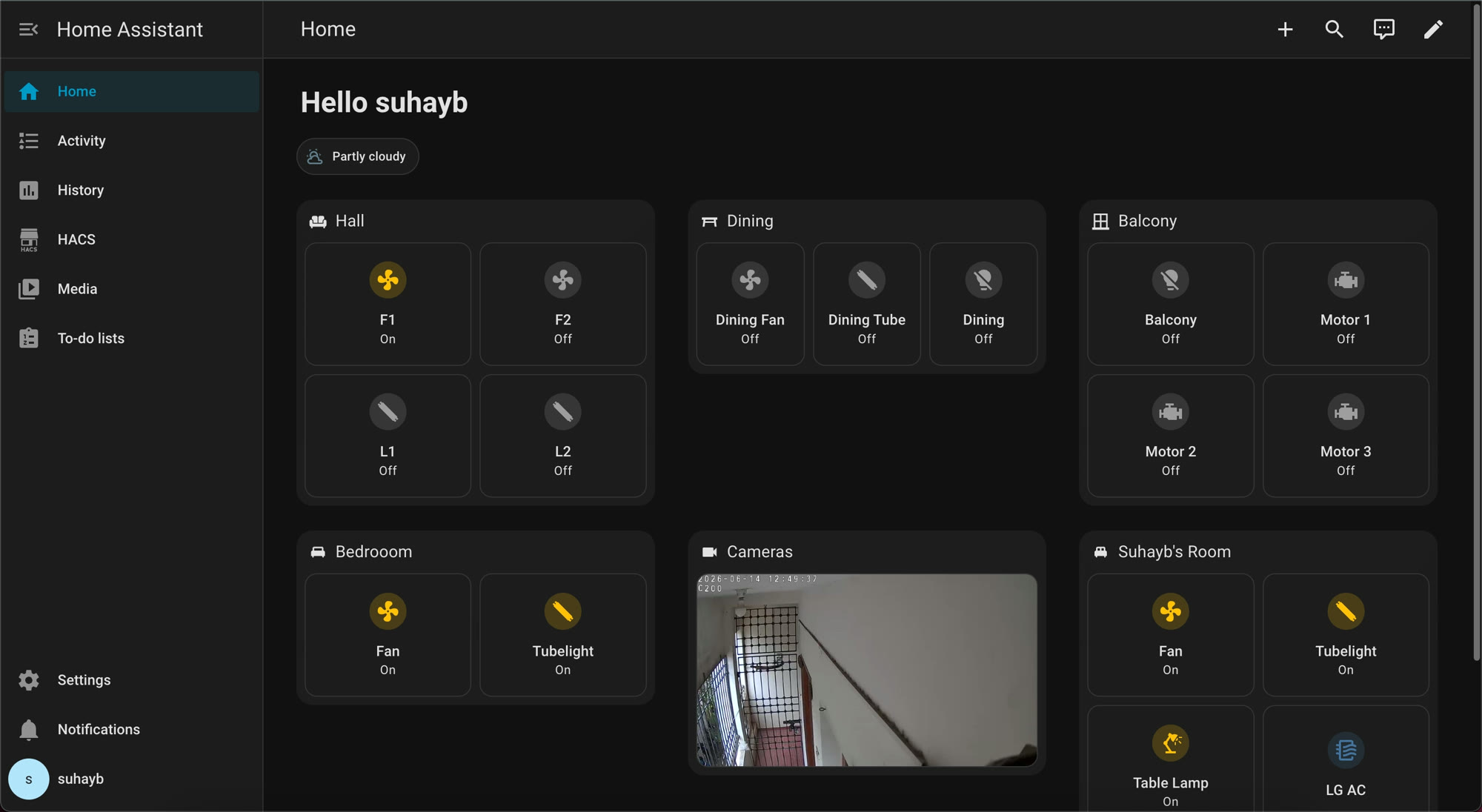
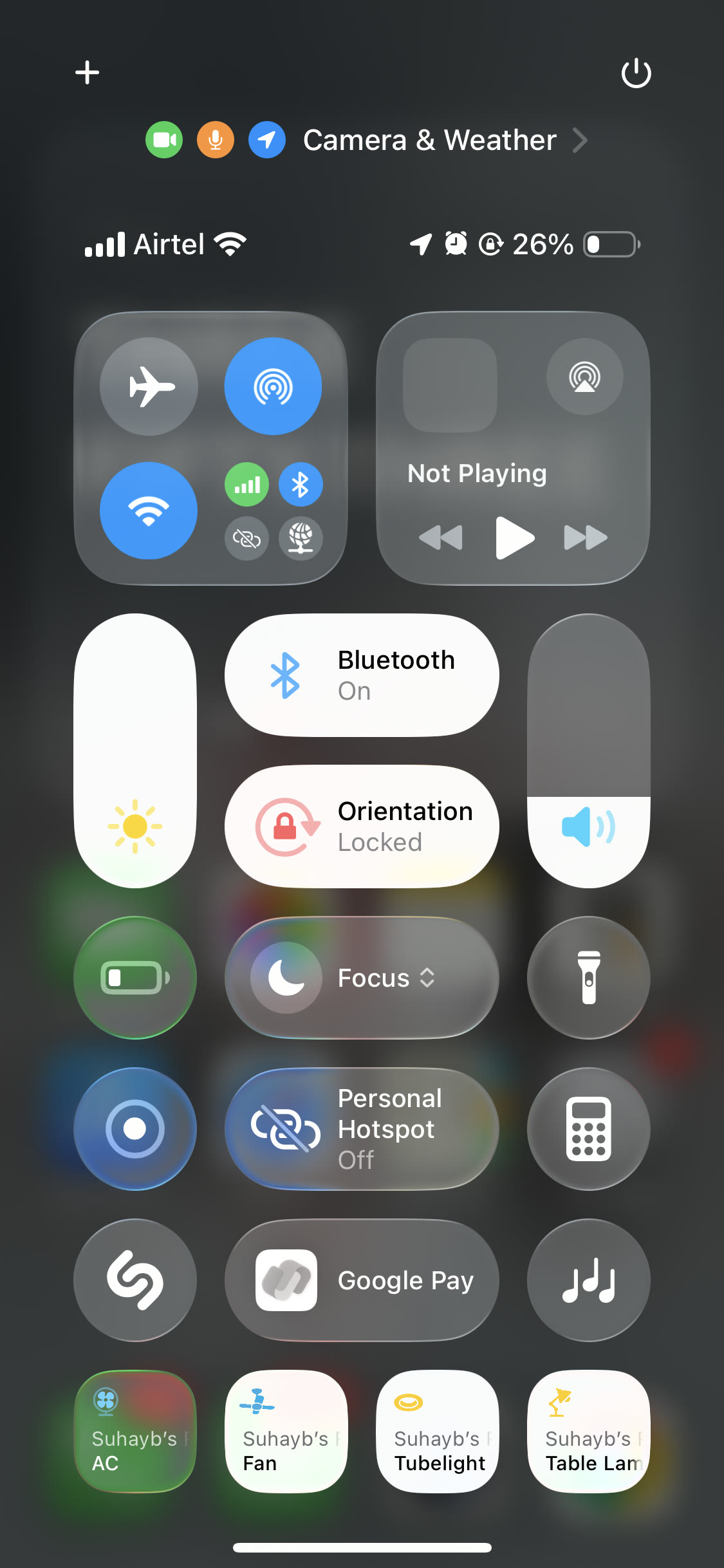
The first thing I set up was Home Assistant, and the reason is embarrassingly specific.
I have smart devices everywhere: bulbs, switches, fans, motors, TVs, speakers, the works. Philips, Wipro, Syska, TP-Link, Tinxy... basically whatever was on sale when I bought it. Zero brand loyalty, maximum chaos. All of them technically worked through Google Home, but Google Home is so locked down and uncustomisable that using it felt like a punishment. Alexa was worse. I tried it, I hated it more.
What I actually wanted was very simple: swipe down from Control Center on my iPhone and control my lights from bed. That's it. That was the entire requirement. One swipe. Lights off.
The problem is that none of my devices are HomeKit compatible (Apple’s Framework for smart home devices). Apple's smart home ecosystem is great if you bought all the right brands. I did not buy all the right brands.
Home Assistant solves this. For those who haven't heard of it: it's an open source smart home platform you run yourself, on your own hardware. No cloud, no subscription, no company deciding what it does or doesn't support next year. It just runs, locally, and talks to basically everything. It talked to every brand I own, Wipro, Philips, Tinxy, all of it, and bridges everything into HomeKit. So now I swipe down on my phone and my room shows up. It took a weekend to set up and I've never opened the Google Home app since.
The automations are also genuinely good. But that's a whole other post.
The Personal Project
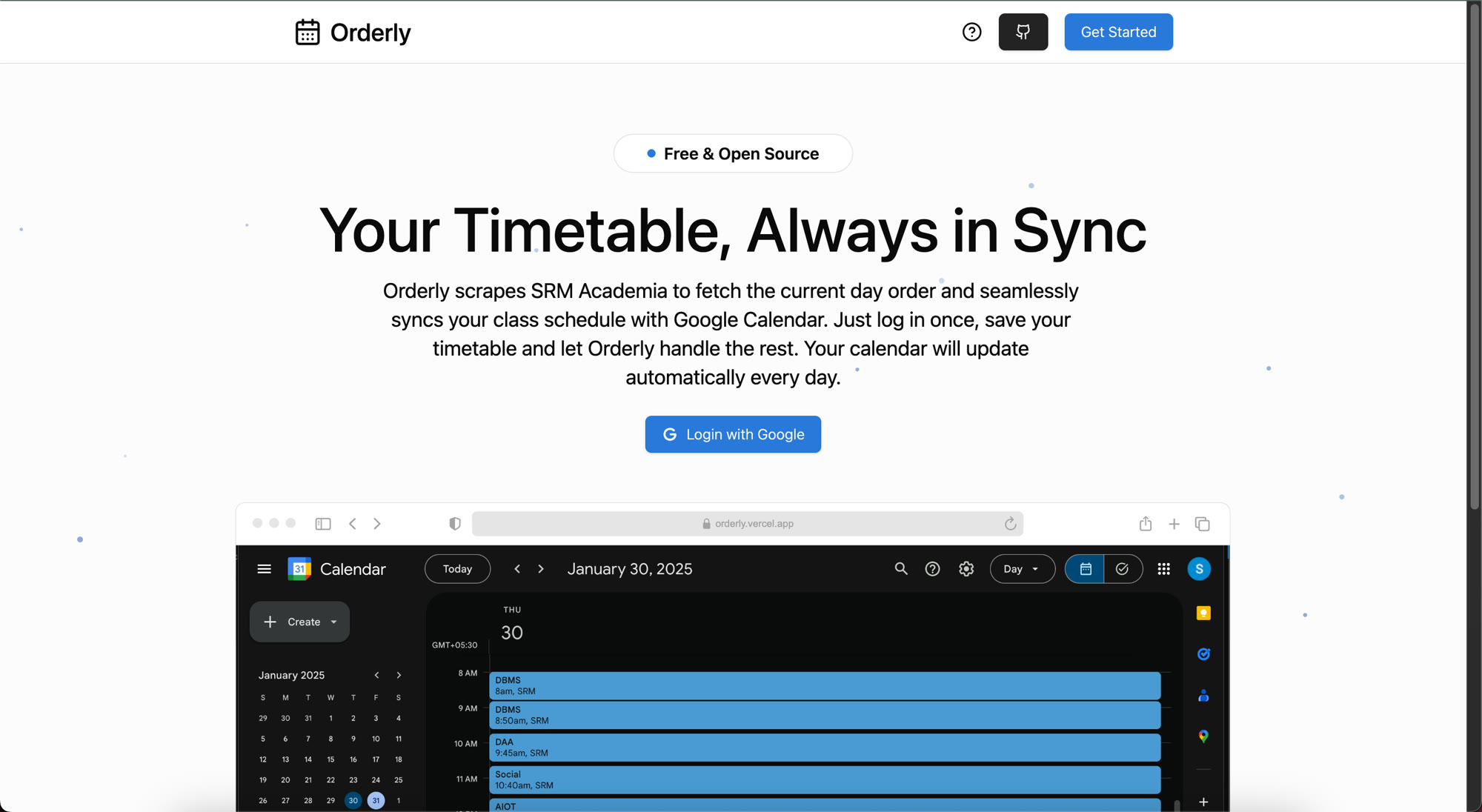
While I had Docker running for Home Assistant, I started thinking about a personal project I'd been hosting on AWS. Orderly - It's a small app, maybe twenty people from my college use it, but it's not simple under the hood. Express backend, Postgres, Redis, a React frontend. Four containers. On AWS, that stack costs real money for twenty users. Not a lot of money, but enough to be annoying.
Moving it to the home server made complete sense. Cloudflare Tunnel handles the public access so the app is reachable externally without me opening ports or exposing the machine directly. My college friends hit the same URL they always did, and have no idea it's now running from a Lenovo with a taped hinge at my desk.
I set up the same Cloudflare tunnel for Home Assistant too, so my family can access it remotely. The tunnel just runs quietly in the background. One of those things you set up once and forget about.
The Proxmox Moment
Somewhere in all of this, I fell deep enough into the rabbit hole to start reading about Proxmox. Reddit will do that to you. One thread leads to another and suddenly you're convinced you need a hypervisor.
If you don't know what Proxmox is, it's a hypervisor OS that serious home lab people run to manage virtual machines and containers at scale. It's genuinely powerful. It's also completely overkill for what I was doing, and replacing Ubuntu with it would mean the machine is no longer a general purpose laptop. If I ever want to use it for something else, or plug in a keyboard and just work on it, I can. Proxmox would close that door.
I also went down the OpenClaw rabbit hole around the same time. Open source personal AI agent that runs 24/7 on your machine. It controls apps, browses the web, connects to WhatsApp or Telegram, does things autonomously while you're not around. An always on Linux machine is honestly the perfect host for something like that. The idea was compelling. But when I actually sat down to think about what I'd have it do, I couldn't land on an automation I genuinely wanted that Claude Cowork wasn't already handling for me. So that one went back on the shelf. For now.
So I read about both, understood both, and then decided to keep things simple. Sometimes the rabbit hole shows you the exit.
Immich
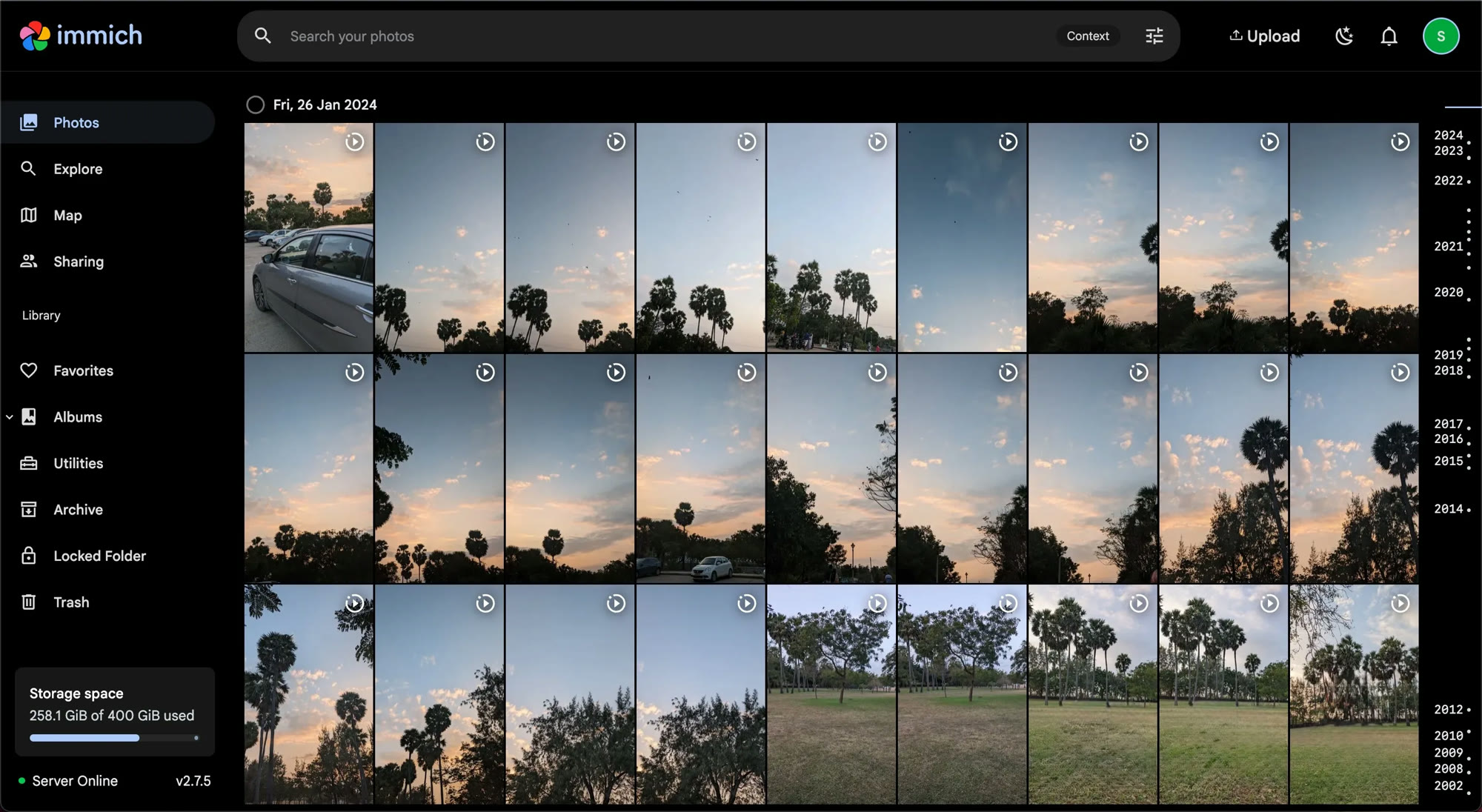
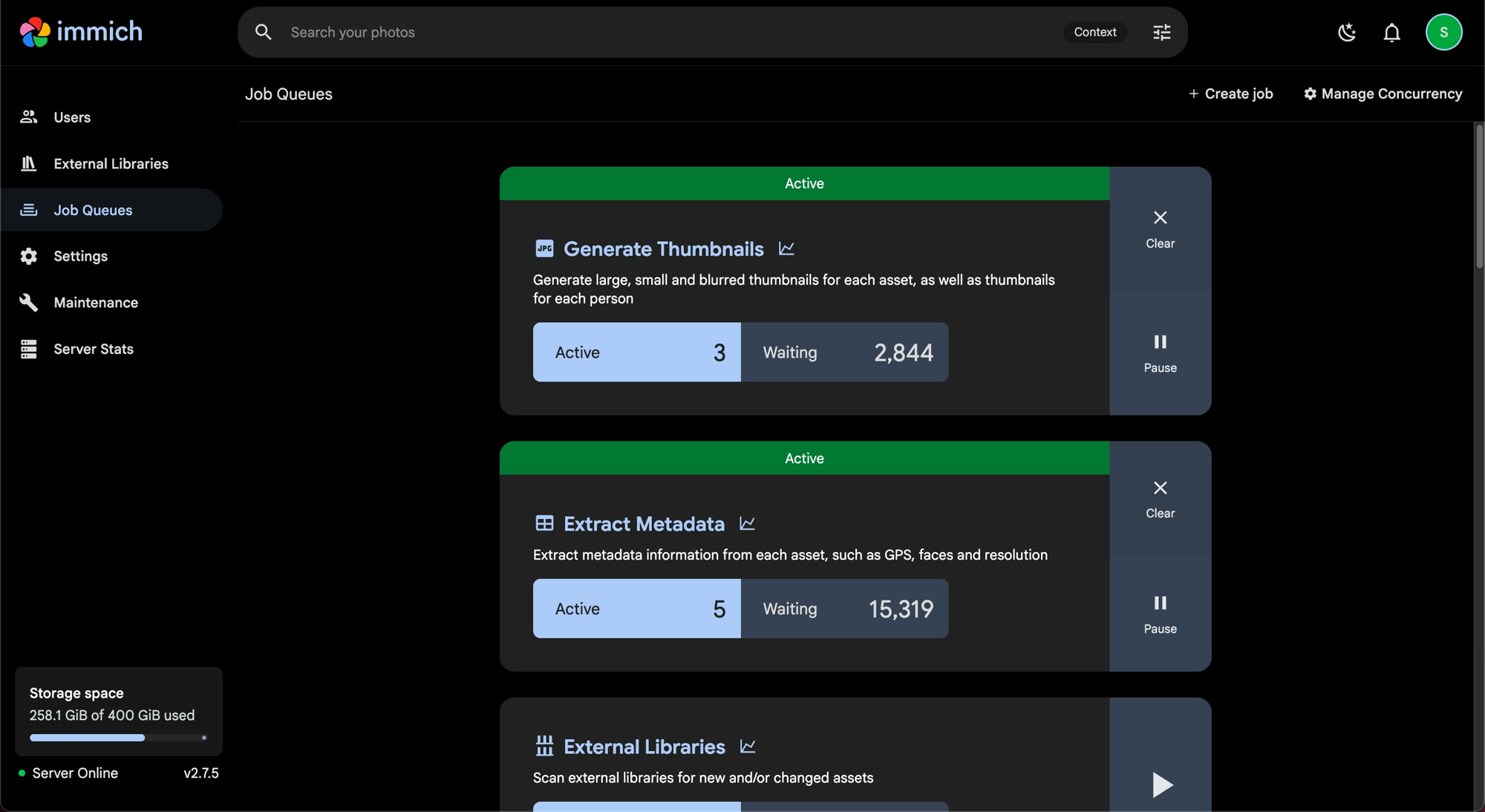
The last piece was photos. I had years of photos sitting on the old laptop, going back to 2002, that I almost never looked at because they were just... there. Not accessible, not organised, just sitting in a folder. Once in a while someone would ask about an old photo and I'd have to dig through a drive to find it.
I'd been paying for Google Drive storage to back some of this up, but it's expensive to keep buying more storage for files you access maybe once a month. Immich is a self hosted photo manager, basically a Google Photos clone, and it indexes everything, generates thumbnails, extracts metadata, the whole thing. 258 gigabytes of photos, all running on the home server, accessible from anywhere via a clean web interface.
The first time it finished indexing and I could scroll through photos from 2002 on my phone, it actually felt worth all the setup.
What It Actually Looks Like
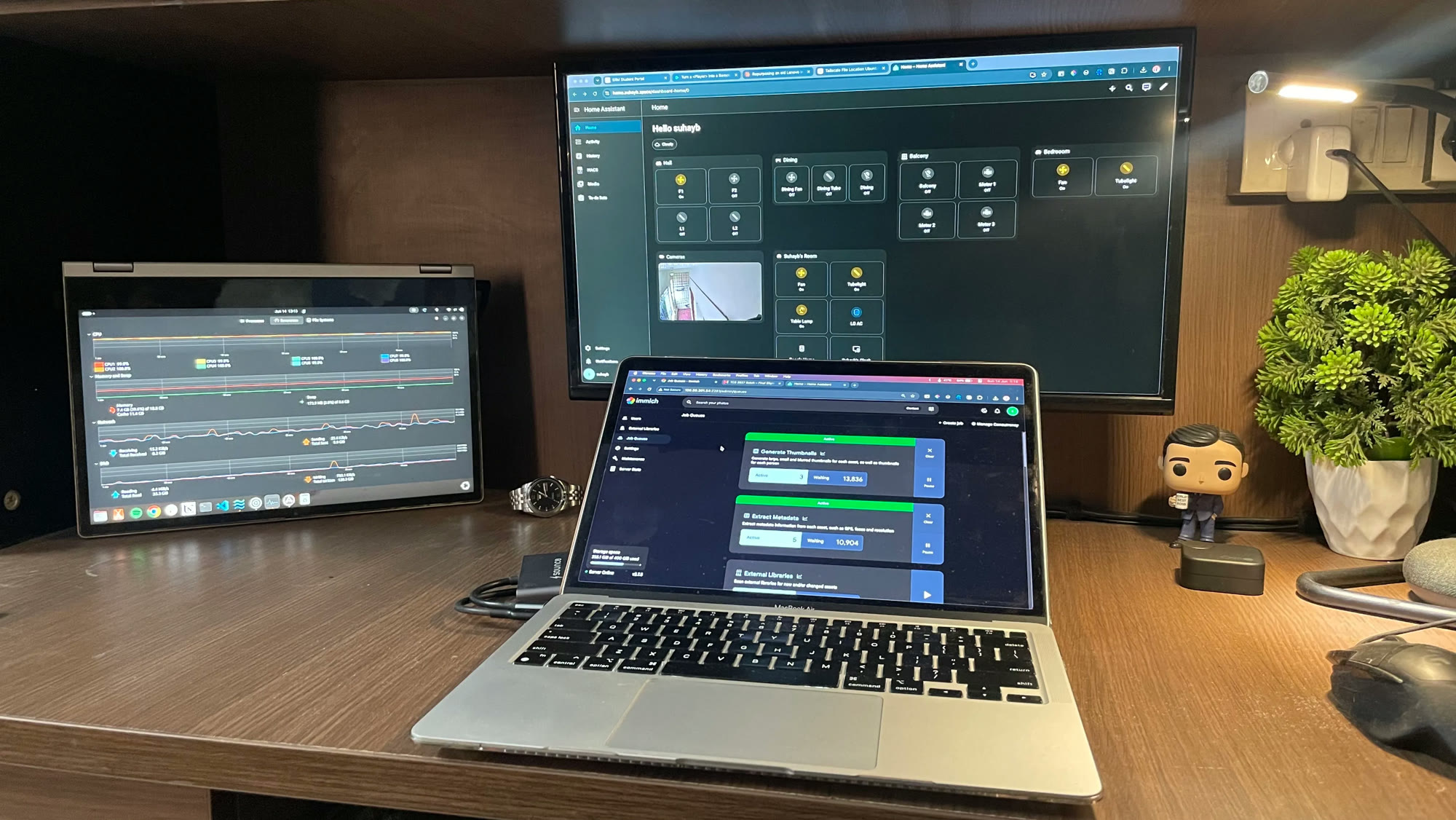
So here's the full stack, if you want the list:
- Home Assistant: smart home hub, HomeKit bridge for all my mismatched devices
- Immich: self-hosted photo library, 258GB and counting
- Orderly: my personal project, running for college friends, off AWS entirely
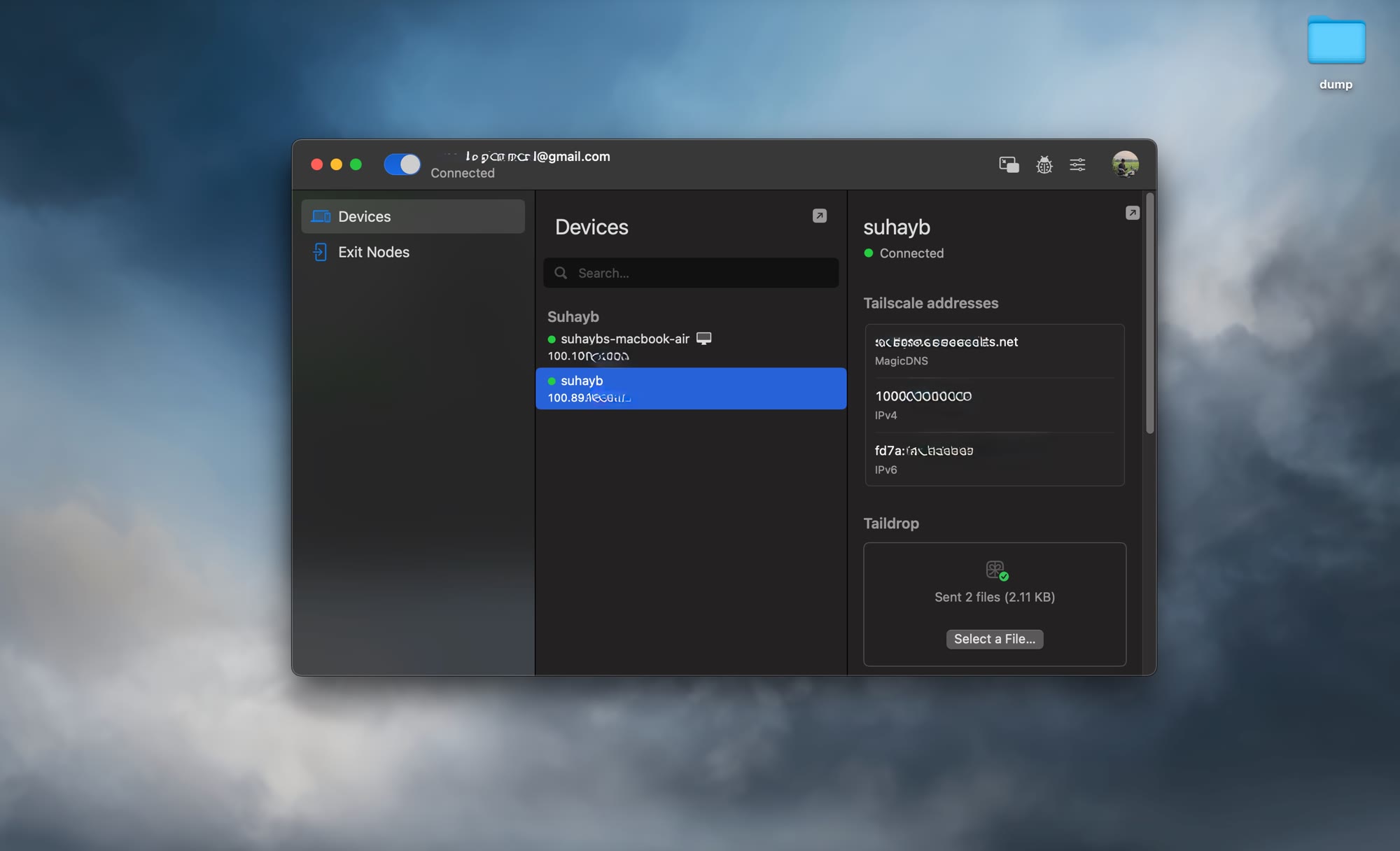
- Tailscale: the secure tunnel that lets me SSH in from my Mac without exposing anything to the internet
- Cloudflare Tunnel: public access for Home Assistant and the personal project
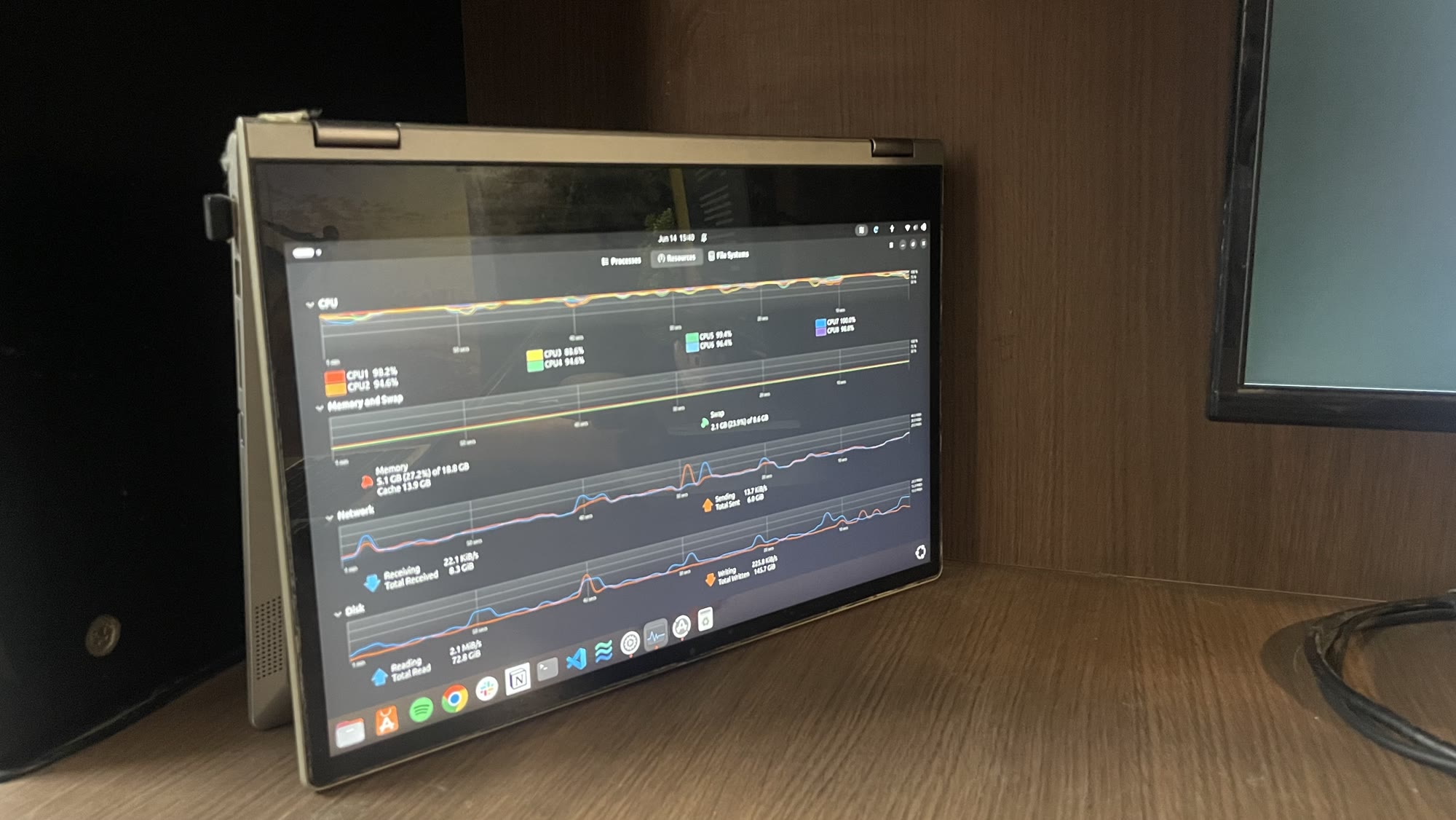
The Lenovo sits to the left of my main monitor, screen folded into tablet mode. Right now it's showing Ubuntu's activity monitor: CPU graphs, memory usage, the usual. But I'm building a proper ambient dashboard for it, clock, weather, calendar, server health at a glance. It's a work in progress, like everything else here. It's on 24/7. The hinges are still held together with tape.
Why This Made Sense
I didn't set out to build a home server. I set out to stop wasting a laptop. One thing led to another, and now I have a stack I actually rely on every day, for home automation, for photos, for a project that real people use.
None of this required enterprise hardware or a rack cabinet or a weekend course on virtualisation. It required a laptop nobody wanted, Docker, and a willingness to go a little too deep into Reddit at 2am.
If you have an old machine lying around, this is your sign. Ubuntu is free. Docker is free. The rabbit hole is also free, though it will cost you some hours you weren't planning on spending.
The tape for the hinges you'll have to buy yourself :)